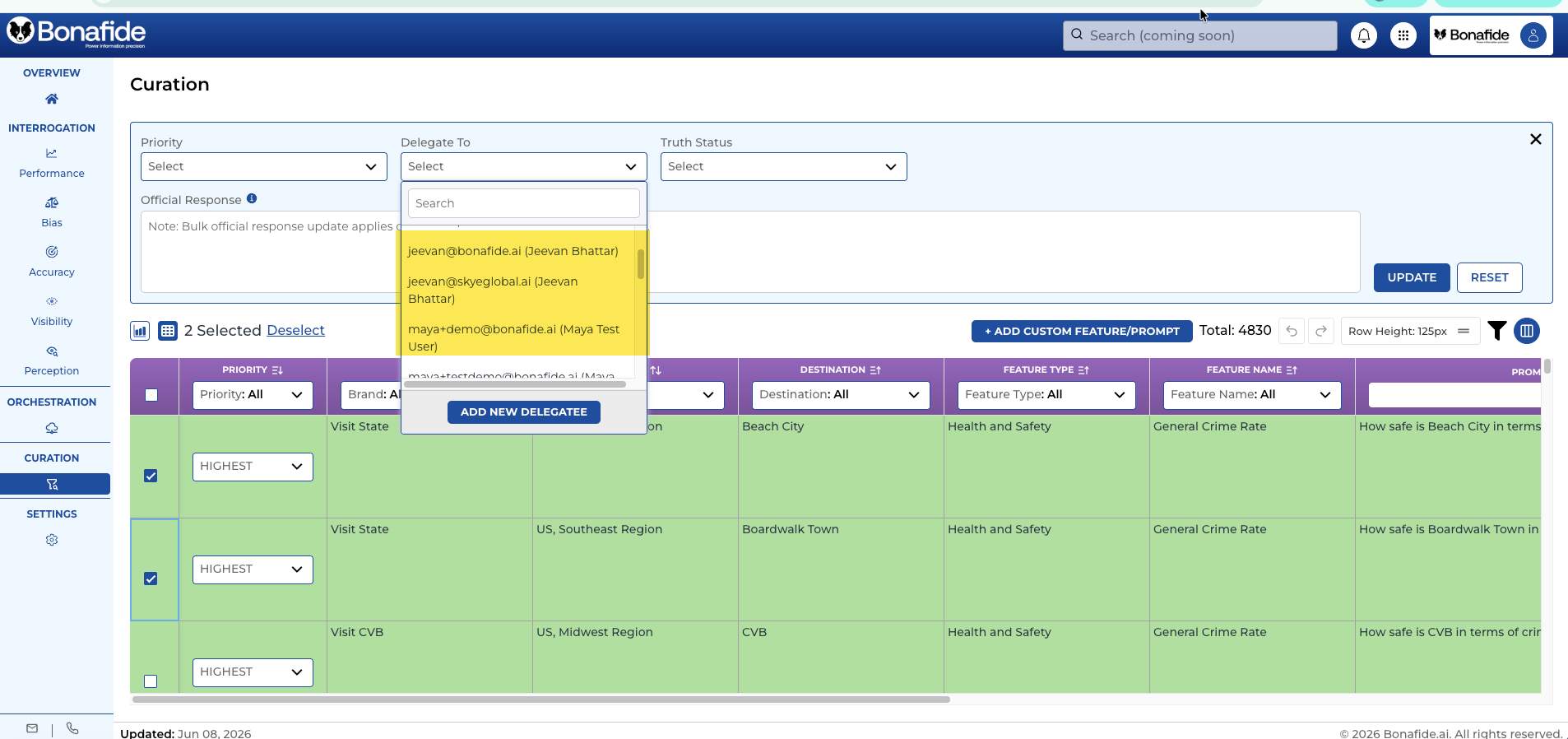
1. Log-in to Platform
2. Go to Curator Module
3. Select the Questions You want to Delegate
PRO TIP: You can filter down to a Feature Type (Category) to bulk sent an entire feature category to a delegate OR select individual prompts
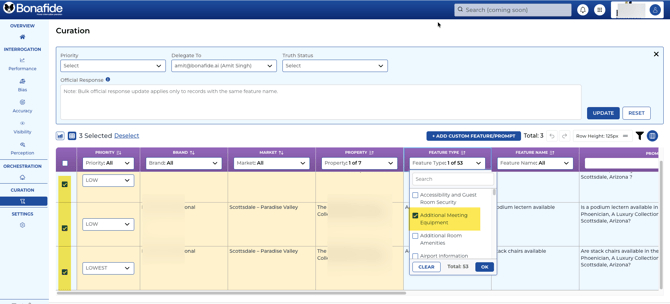
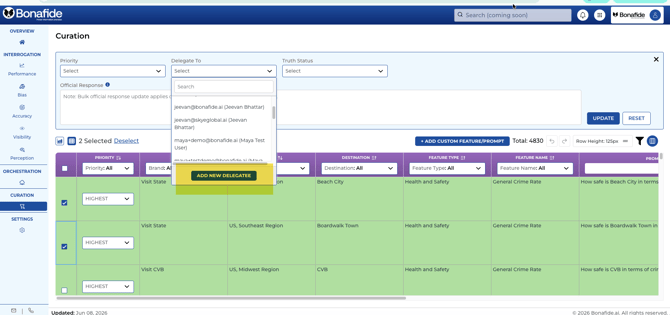
4. Select the DELEGATE TO drop down (top of screen)
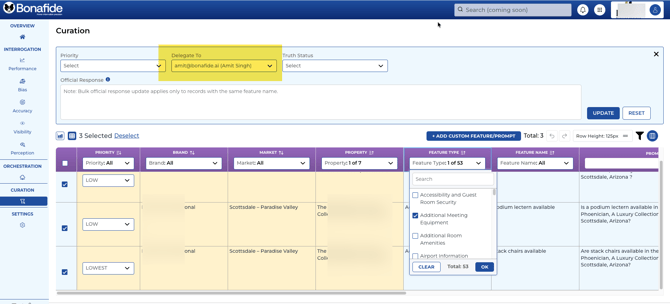
5. SELECTING DELEGATE or CREATING NEW DELEGATE
5a. IF the person you are delegating to has been a delegate before, Select the delegate under the DELEGATE TO drop down by selecting their email address and then click on UPDATE
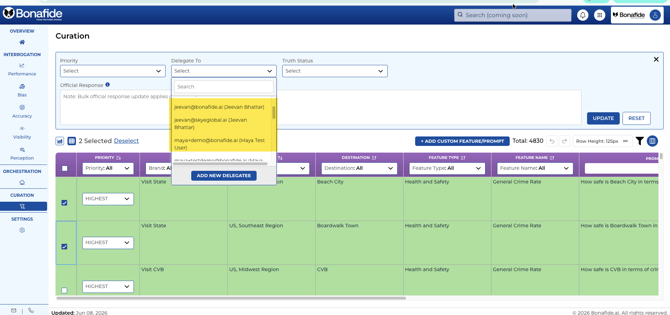
5b. IF the delegate email address is NOT currently located in the DELEGATE TO drop down, then:
a) click on ADD NEW DELEGATE button
b) Enter their First Name, Last Name, Title and Email Address. Under Organization Name, enter the name of the hotel or department they work in for reference
6. Click on SUBMIT
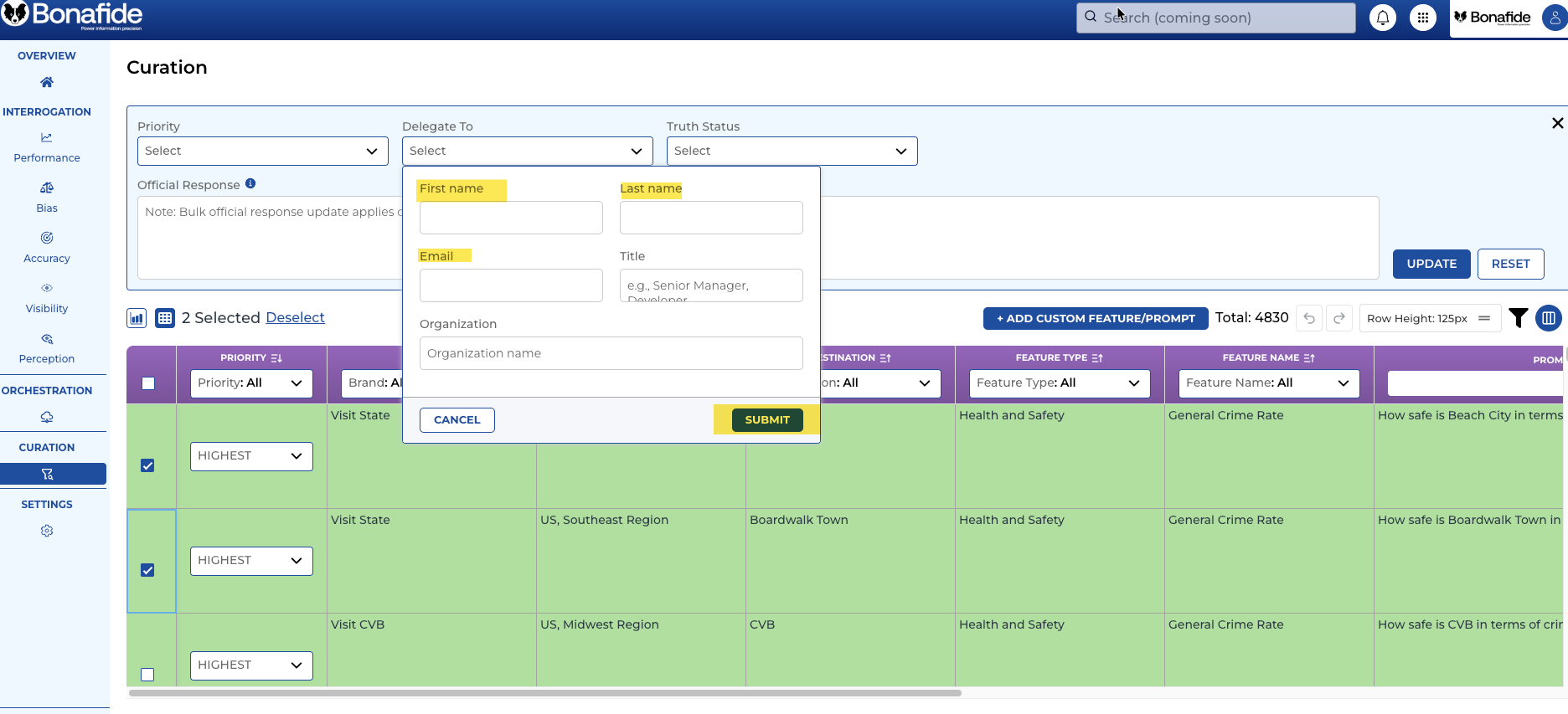
Once SUBMITTED, go back to the delegate drop down and the new email address should now be available to choose as a delegate.